

Text to 3D
Describe what you want and get a textured model ready for the next step.
Turn a simple prompt or image into a polished 3D asset. Explore ideas, refine details, and move from concept to usable model without the usual complexity.
Start with words, images, or an existing mesh. Shape the output around the work you actually want to ship.
 Prompt
Describe a character, prop, creature, or environment and turn the idea into a model.
 Image
ImageBring illustrations, photos, sketches, and visual references into a flexible 3D workflow.
 Materials
Create richer surfaces and material variations without rebuilding your asset from scratch.
 Topology
Clean up topology, reduce complexity, and prepare generated meshes for production use.
Plus a complete creative toolkit for images, video, workflows, and asset preparation.
A few directions to get you moving. Use an example as a starting point, then make it your own.
 Image to 3D
 Text to 3D
 Image to 3D
 Text to 3D
 Image to 3D
 Text to 3D
 Image to 3D
 Text to 3D
Compare approaches, switch direction, and keep your creative work in one focused space.
From early concepts to finished assets, teams use 3daistudio to move faster without lowering their ambition.

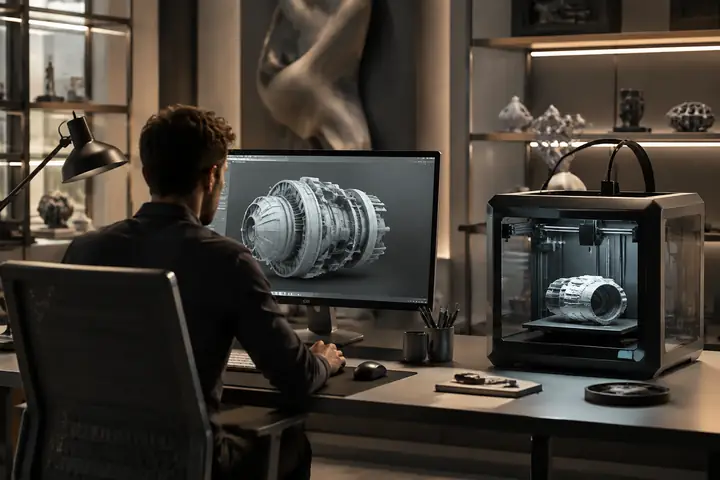



Used by game developers, studios, and independent teams to accelerate 3D content creation.
 PIXIONmOnume
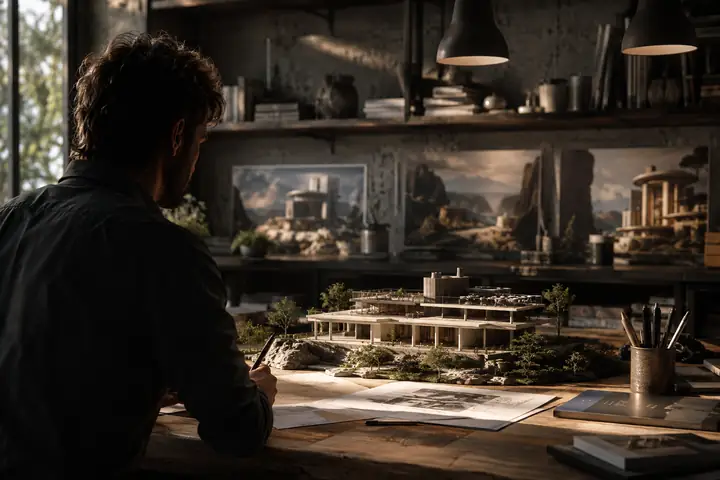
Generate production-ready models from a simple prompt or image. What once meant days of manual modeling, texturing, and optimization can now become a focused creative loop.
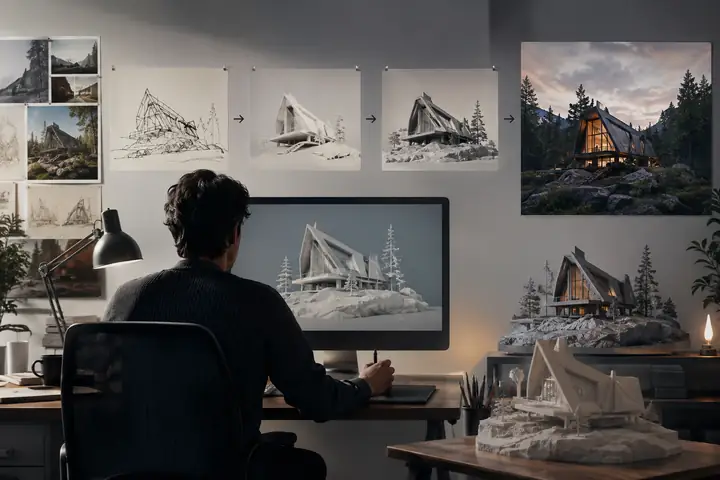
Turn sketches, references, and illustrations into textured assets that are ready to refine, download, and use.
Describe what you want and get a textured model ready for the next step.
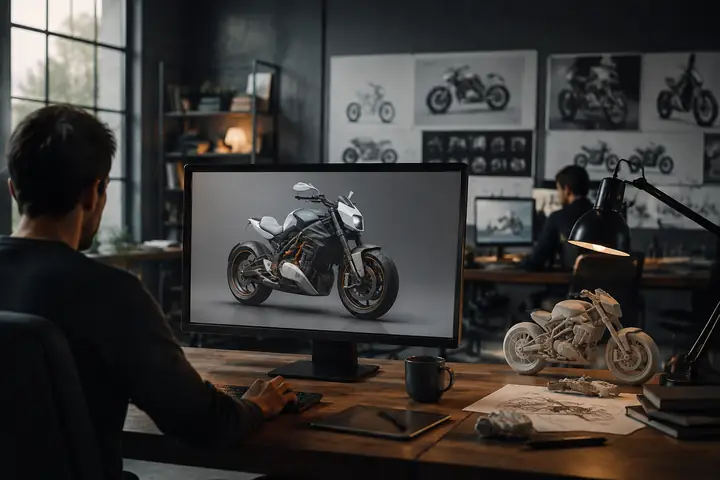
Generate, edit, and transform images before sending them into your 3D workflow.
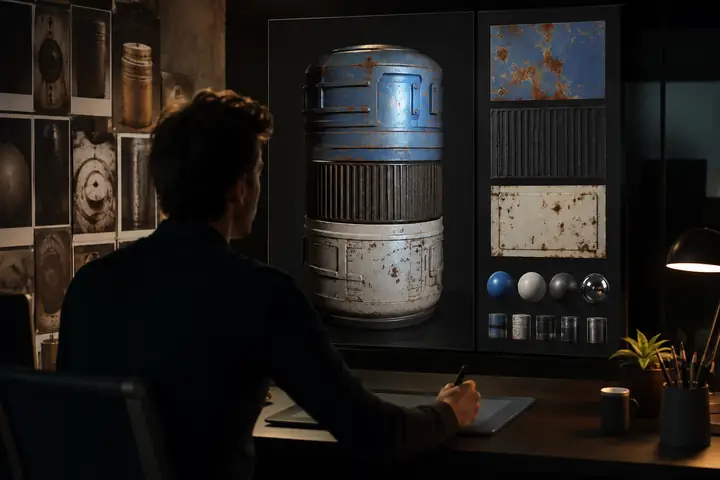
Paint materials and surface detail directly onto your models with guided generation.
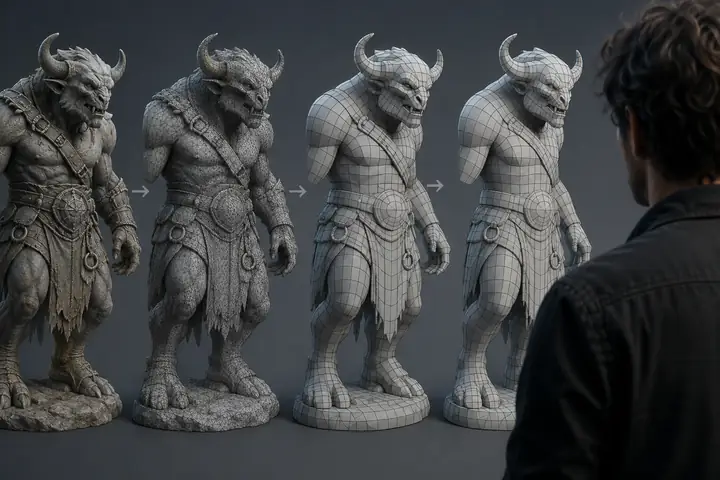
Clean topology, reduce polygon count, and prepare useful LODs automatically.
Build visual, node-based AI pipelines on an infinite canvas. Chain image, text, 3D, video, and batch steps into reusable creative workflows.
Open FlowA practical creative toolkit for first experiments and serious production workflows alike.
Create useful models from text or images, even if you are just getting started.
Explore more directions, iterate sooner, and spend your time on decisions instead of repetitive setup.
Export optimized meshes, materials, and clean topology for the tools you already use.
Studios, developers, designers, and makers use 3daistudio to turn ideas into tangible work.
Polyworks Games
Solo Developer

“Without it, Fallen Metal couldn't exist. Every other service failed at photorealistic humans.”
A dystopian RPG produced dramatically faster with an image-to-3D workflow.
Sławomir Grabowski
CEO
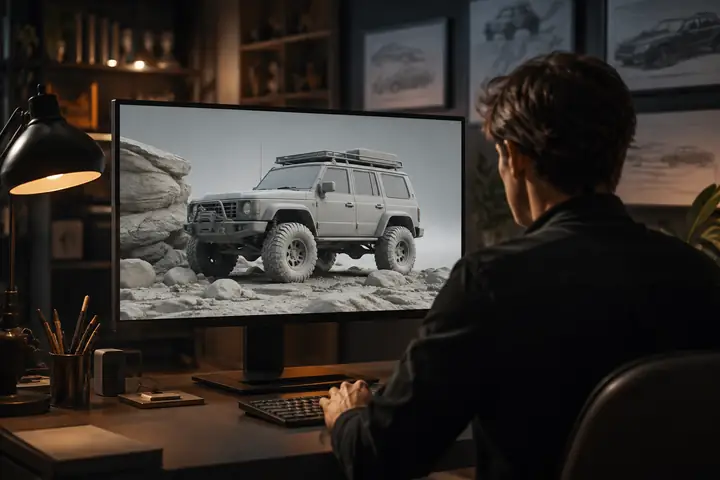
“Surprised by the detail it delivers. Shape, textures, PBR. We iterate at the speed of design.”
Indie game artifacts shaped faster through an image-to-3D workflow.
Yariv Newman
Production Designer
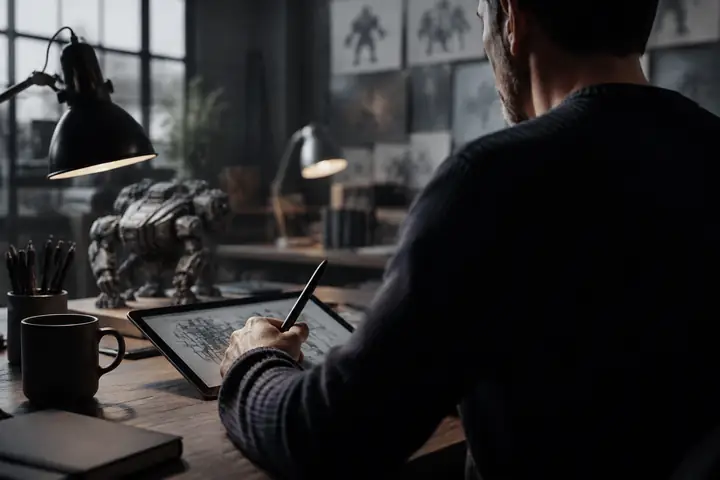
“Sketch to screen in record time. Concepts felt so polished that client buy-in was immediate.”
Sci-fi industrial concepts delivered faster with geometry and material generation.

Tomer Yariv & Ohad Braha
President & COO
“Evolving faster. Customers get live previews, team gets print-ready files. Everybody wins.”
3D printed keepsakes delivered faster through powered automation.
Try a focused workflow, expand into the full toolkit, or connect your own pipeline when you are ready.
Start with prompts, references, and a few useful examples.
Start exploringCombine generation, texturing, and remeshing in one workspace.
Create an assetExport clean files and bring your finished ideas into production.
Prepare to shipSee why creators keep returning to a faster way of building 3D assets.
The speed in which I can generate 3D models is astonishing. It simplified my workflow and gave my applications an aesthetic uplift that impresses clients.
Tim Karlowitz
Website Developer
I have been able to create complex, high-quality 3D models in seconds, shaving hours off my usual timescales and focusing more on getting creative.
Noah Böhringer
Game Developer
I was very quickly able to make a 3D model from a prompt. I can see a lot of applications for this in video editing and animation.
Dillion Verma
Developer
“I've watched thousands of head-to-head votes across major 3D AI models. 3daistudio brings the strongest approaches together with a practical toolkit around them.”
Stefan Vaskevich
Founder of an independent 3D AI leaderboard
Real workflow captures: image to 3D, text to 3D, texturing, and everything in between.
Transform a visual idea into a detailed 3D model in seconds.
Professional tools and export formats that fit naturally into the pipeline you already have.
Keep generated models in one searchable place, ready to revisit and reuse.
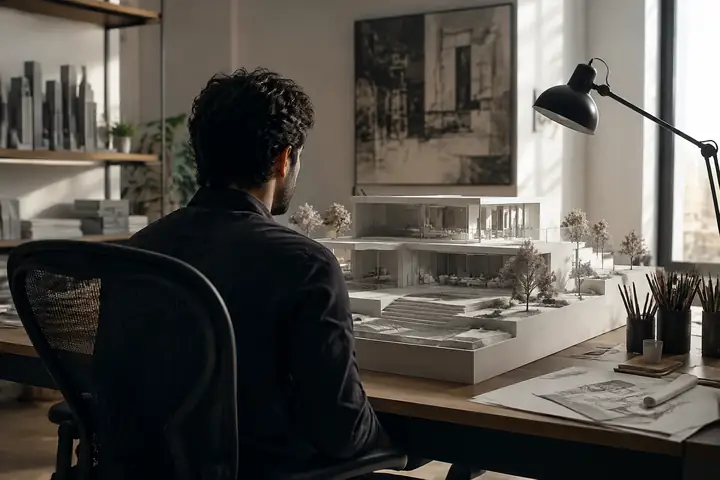
Your work stays organized for your projects and is ready when you need it.

Move between GLB, FBX, OBJ, STL, USDZ, and other common production formats.
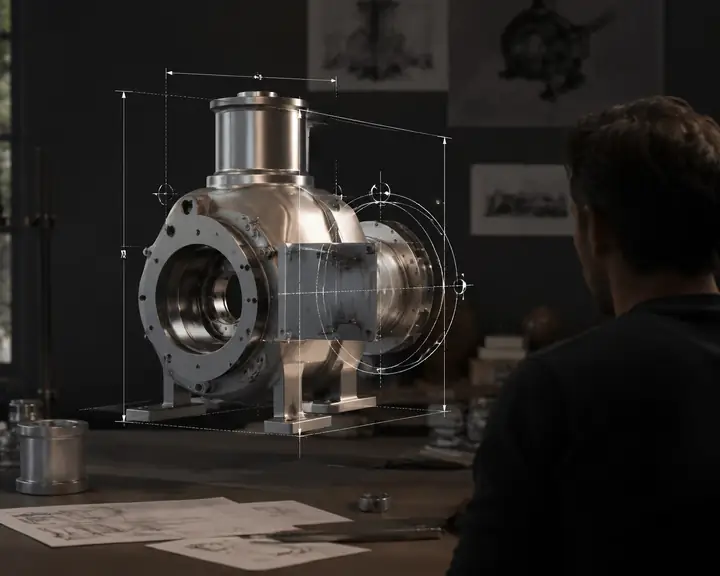
Set useful measurements and pivot points for reliable placement in your scene.
So approachable, your whole team can start making useful models.
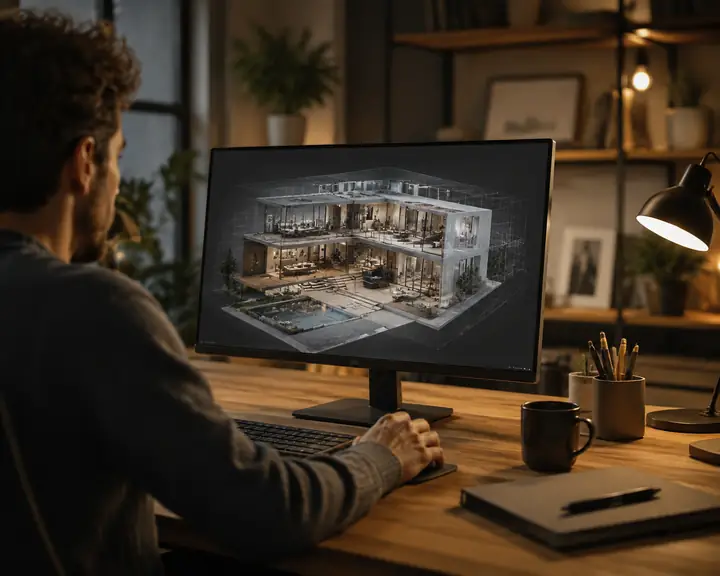
Compatible with the tools and formats your team already uses.
It's like magic. You should try it.
Add one connection to your AI assistant and ask for a real model in plain language. Keep the result moving in an interactive viewer and find it waiting in your workspace.
Explore the connector✦ Generating with 3daistudio...
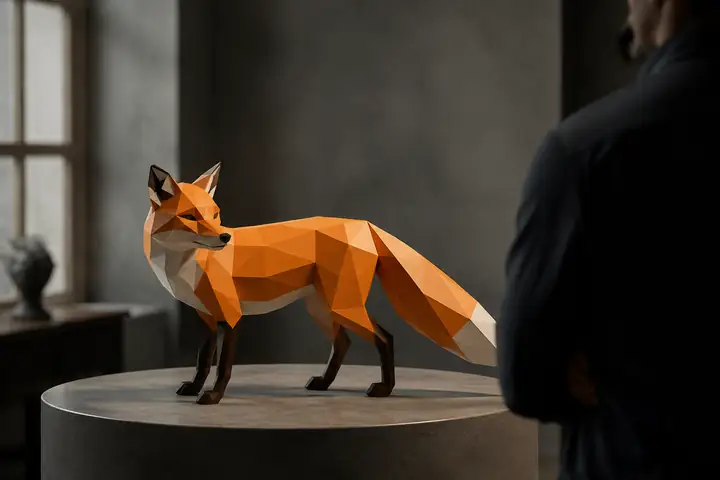
Low Poly Fox
GLB model
Integrate 3D generation, texturing, remeshing, and rendering directly into your own applications with a clear REST workflow.
Get startedcurl -X POST api.3daistudioai.pro/v1/ \
3d-models/generate \
-H "Authorization: Bearer API_KEY" \
-d '{"prompt": "a medieval sword"}'Connect with creators, share your work, and learn from practical tutorials.
Generation time varies by model and settings. Faster workflows can complete in under a couple of minutes, while detailed geometry and texture settings may take longer.
Choose a text or image workflow, describe the asset you want, and let the studio create a starting model. You can then refine materials, topology, and export settings.
Common formats such as JPG, PNG, and WebP work well. Clear, high-resolution references with a visible subject usually produce the best results.
Depending on the workflow, common exports include GLB, FBX, OBJ, STL, USDZ, and other formats used across game development, design, web, and 3D printing.
Review the current usage terms for your workflow and project, then use generated assets wherever your selected terms permit.
Many generated models can be prepared for 3D printing. Check geometry, scale, manifoldness, and wall thickness before sending an export to your printer.
Yes. Treat the first generation as a creative starting point, then iterate through prompts, references, materials, remeshing, and export settings.
Yes. The API is designed for developers who want to integrate 3D generation and asset preparation into their own applications.
Start with an example prompt, explore the community resources, and use the guided workflows to learn one tool at a time.
Explore the examples, follow a workflow, and find a starting point that fits your project.
